
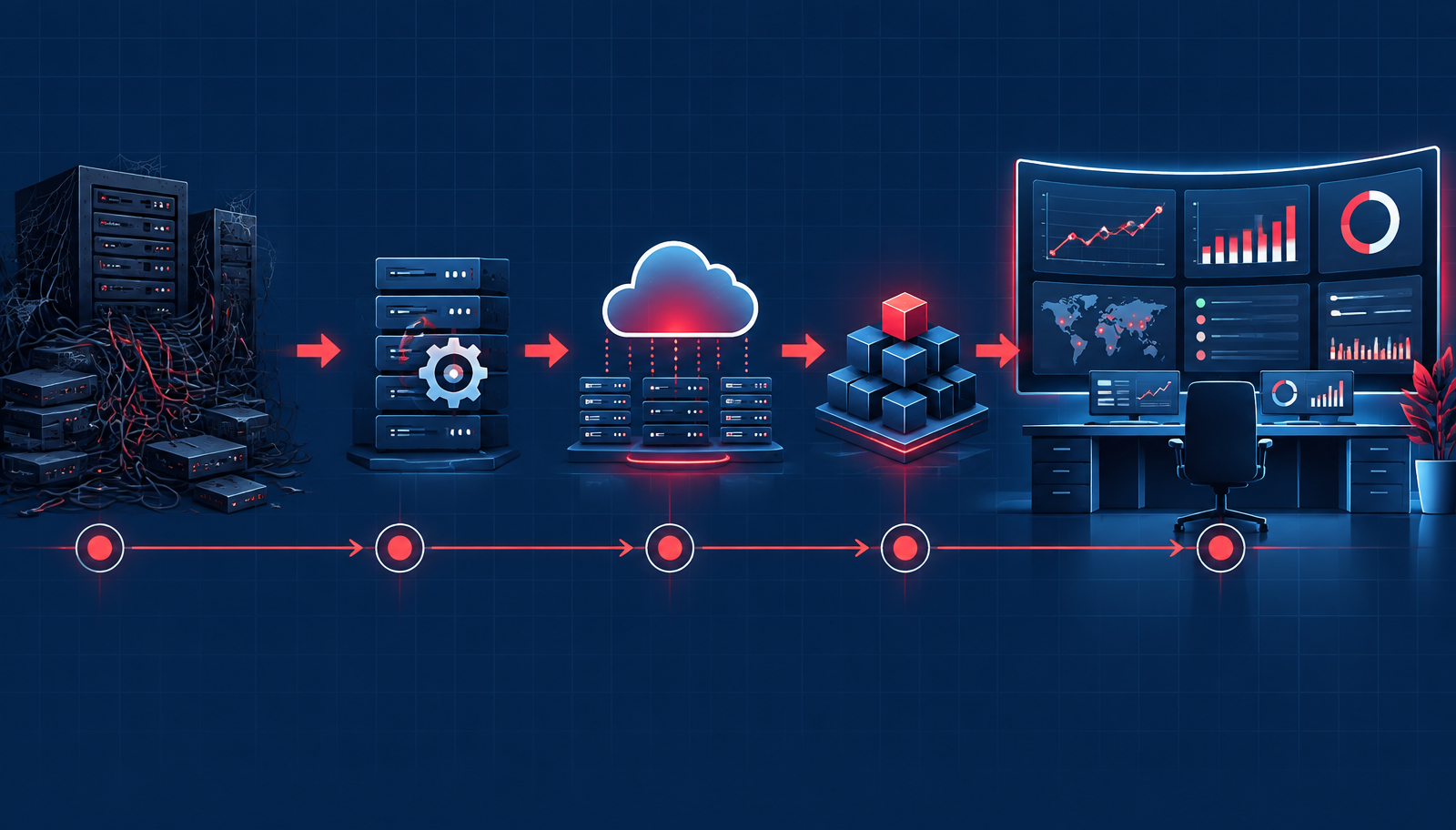
Part three of the Beyond AX series. Read Part 1: Run, Don't Walk, From Your Legacy Dynamics AX and Part 2: The Cost of Doing Nothing.
Now that we are thinking about making the move to Dynamics 365 Finance and Operations from legacy Dynamics AX, it's time to understand what an AX to D365 project would look like and what you can do to prepare for it.
I am not going to give you a play-by-play of exactly what to expect and that's because every project is different! What I will discuss, though, are the areas that are very important to consider to make this transition as seamless as possible.
Important Considerations
First, and I want to scream this loudly for the people in the back, don't take this opportunity to rebuild your old system in the cloud! Microsoft has invested a lot of time and energy in building new processes that meet companies' needs. Take the time to really look at your business and determine if the process is valuable or if it's a throwback to a forgotten time that can be streamlined in a new system.
Don't take this opportunity to rebuild your old system in the cloud.
Second, take this opportunity to talk to your users. At this point, they likely have workarounds and have resigned themselves to work within the constraints of their system.
Do not mistake their quiet and calm demeanor for love and acceptance of the system.
Bring your key users into the project and let them speak freely about what works and what doesn't. You may be surprised!
Assessment and Discovery
First and foremost, your partner should work alongside you to perform an assessment of your current environment and complete a full discovery of your business processes. This is a critical step because it allows them (and you) to understand how to capture your business processes in a systematic way to gain the best benefit for your company.
Your partner can then tell you what can be set up with out-of-the-box configuration and what options are available for customization, third-party solutions, or reports. These requirements will be catalogued and referenced throughout the entire project and will help keep the project on track.
Should I Stay or Should I Go?
Now that we have completed discovery, we should have a better understanding of what the system can or cannot do. Additionally, it's important to align that understanding with your business processes.
If there is a business process that is no longer serving your company, take a long, hard look at it during this time and consider whether it's being done "because that's the way we've always done it" or if it is truly critical to your business. Additionally, if a process can be streamlined or would be better served on a separate platform, this is the time to make these decisions as well! There are plenty of great third-party tools and platforms, aka ISVs, available that were designed to meet specific needs that the out-of-the-box system doesn't meet for people within specific industries.
Buy versus Build
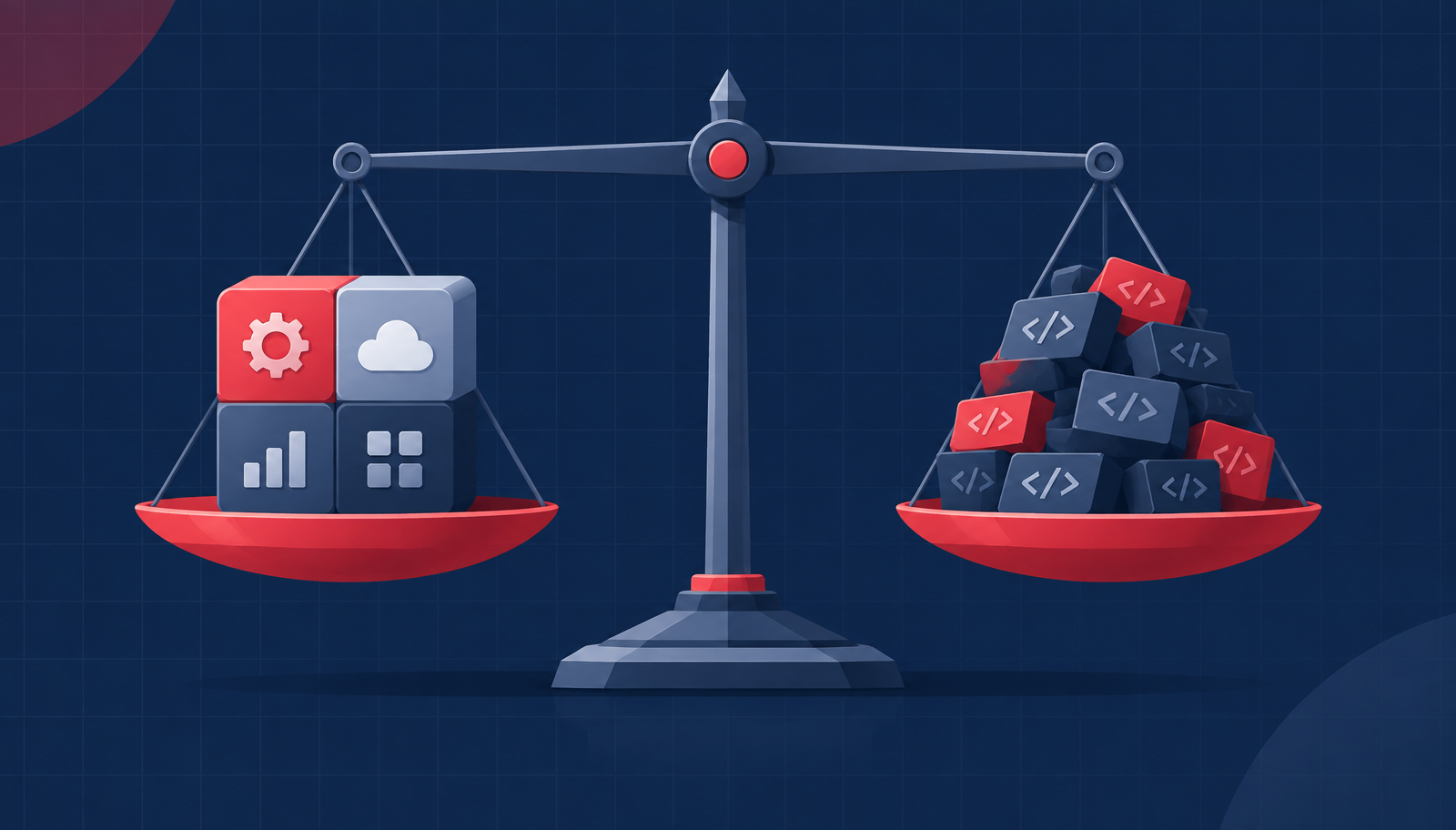 A balance scale weighing a ready-made solution against custom-built code
By implementing a third-party ISV instead of creating custom code, you gain industry knowledge from that ISV partner. There are ISV partners who specialize in niche industry solutions, tax, document management, EDI, and other areas, and they have developed and honed strong expertise over years of working across multiple customers. When comparing the option to build or buy, it often makes sense to invest in a vetted solution that is maintained separately rather than investing in building and maintaining a custom solution.
The Customization Chat
Leading off from the third-party tools and platforms discussion, look at everything you've customized in Dynamics AX. Dynamics AX had a great reputation for being easy to customize, and you bet people customized it. Some companies have even forgotten which processes are custom within their current solution because they've used it for so long.
Now is the time to look at simplifying your system. Customizations will need to be refactored to meet the extension model that Dynamics 365 has. Additionally, customizations open the door to additional testing and potential issues if Microsoft provides an update and your customizations interfere with their new code. Now, I want to be clear that extensions are fully supported and some customizations are warranted. This is just an area to watch out for when considering customizing your new system.
Most companies I speak to are adopting the approach of minimizing customizations as much as possible to reduce the testing overhead to meet Microsoft's One Version update cadence. Adopting a strong update lifecycle management program within your organization will keep your system compliant and within Microsoft's support window for active versions.
Testing
Testing is a critical piece of the Dynamics 365 puzzle. As I mentioned before, companies must take at least two service updates per year and can take up to four. This is referred to as One Version, which is a series of versions that Microsoft is actively supporting. Companies are not allowed to fall behind in their active version, meaning companies really should invest in testing. There are strong regression testing tools available that automate testing to keep the system functioning properly. Using pass/fail mechanisms, these testing solutions will alert you to potential risks that may exist in your system before you take an update, allowing time for remediation.
Integrations
Integrations with external systems are extremely common and must not be overlooked. Companies have requirements to integrate payroll providers, banks, e-commerce platforms, procurement spend management systems, vendor catalogs, warehouse/logistics systems, reporting platforms, human resources systems, and CRM solutions. It's important to consider what integrations are needed and why.
Integrations can reduce manual labor. They can import and export hundreds, if not thousands, or even tens of thousands, of transactions per day. It is important to make note of how often the integration should run, how many transactions are expected per run, and whether that data needs to be available immediately or if it can be sent to the system asynchronously.
Ensure that an integration is truly helping your business and that you aren't spending money on integrating with a system that does the same thing as a 5-minute journal entry once per month by one of your users.
Data
Ah, my favorite topic.
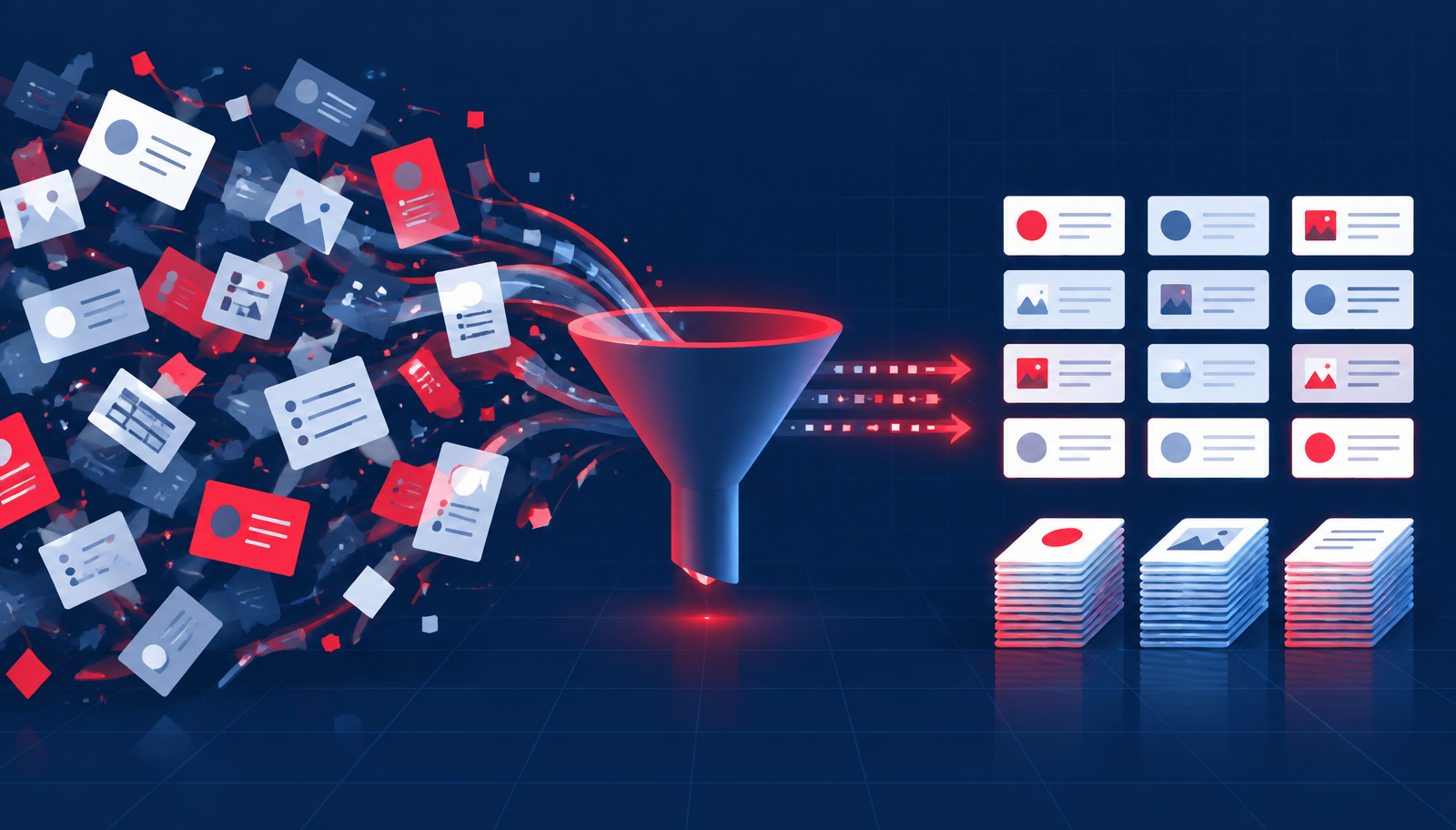 Messy legacy records being filtered into clean, organized data
Data is critical for your AX to D365 migration project, and the mapping between these systems is actually pretty smooth. For many AX customers, the core data structures are familiar enough that mapping can be straightforward, though custom tables and years of legacy business rules often require additional analysis. There are newer concepts like data entities that can help bring your data together in a cohesive manner. The only caveat to consider is custom or obsolete tables that potentially have data that you want to bring over.
A mapping exercise for data is a great way to look at your data and determine if the data is still needed or can be replaced by another field or process.
Likewise, this is a great opportunity to clean up your dirty data from AX. All those part numbers that start with an X or DNU, it's time to leave those behind. And yes, I have seen this more than a few times. At the end of the day, Dynamics AX had limitations and we all found ways to work within those limitations.
Now is the time to "take out the trash" and bring only good data into your system. Please, I encourage you to spend time with your data! Look at what isn't working and talk to your partner about how to make it work better for this iteration of Dynamics within your organization.
Training and Change Management
The nice part about Dynamics 365 is that it is similar enough to Dynamics AX that user interface and navigation training is not a huge lift. There are some enhancements that make using Dynamics 365 easier and better for the end users, and once they learn about these, they wonder where this system has been their whole life.
The navigation in Dynamics 365 Finance and Operations is a lot like navigation in Dynamics AX, but brings along new capabilities and ways to work. The biggest "wins" for users are comprehensive workspaces, strong search capabilities, the intuitive integration with Excel, and enhanced filtering.
The biggest opportunity with training will be introducing all the new business processes that you have defined and gaining user adoption for those business processes. Remember, though, bringing your users into the project and letting them be heard throughout the project increases adoption and ownership of their processes within the system!
Ready to Make the Move?
Moving from Dynamics AX to Dynamics 365 F&O is more than just moving to a new system. It is an opportunity to take a fresh look at your business processes, clean up years of technical and data debt, and build a solution that better supports where your business is going.
If you're ready to start exploring what that move could look like for your organization, the team at Hummingbird can help. We can assess your current Dynamics AX environment, identify opportunities for modernization, and help you build a practical path forward to Dynamics 365 F&O. Let's talk.