

Microsoft 365 Copilot is changing how people interact with Dynamics 365, Power Apps, and the systems that run the business. The winners will not be the organizations that simply turn it on—they’ll be the ones that rethink workflows, governance, and adoption around a new conversational front door.

A quiet but fundamental shift is underway in enterprise software: the interface is moving from applications to conversation.
Microsoft 365 Copilot is no longer just an assistant embedded in tools. It is rapidly becoming the front door to business applications—including Dynamics 365 and Power Apps—where employees ask for outcomes instead of navigating screens, menus, and reports. Microsoft itself has described this as an “interface layer shift,” positioning Copilot as the workspace where work actually happens.
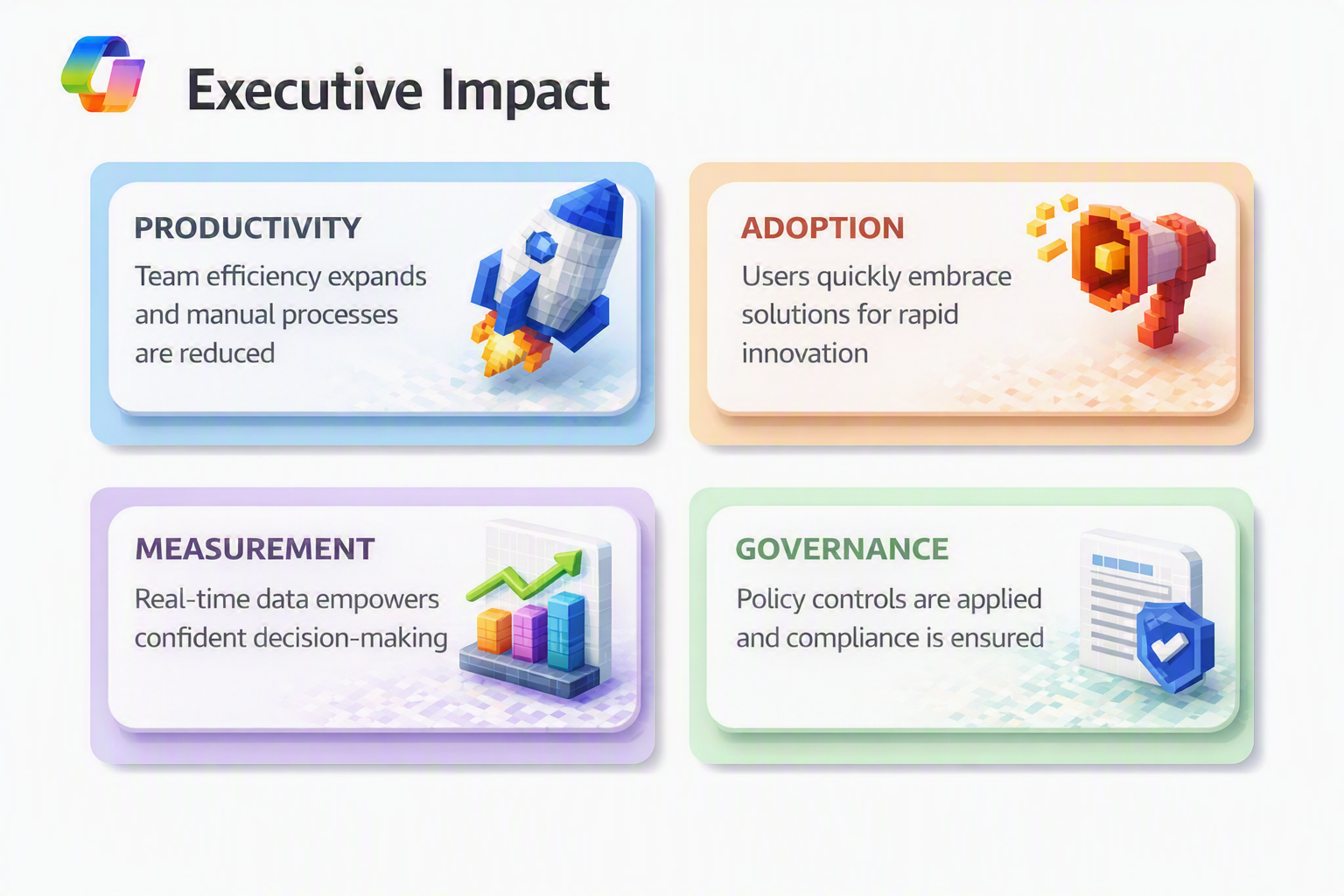
For executives, this is not a UX enhancement. It is an operating model change—one that impacts productivity, adoption, governance, and how value is measured.
What Changed—and Why It Matters Now
For decades, productivity gains came from better dashboards, better workflows, and better integrations. Users still had to go to the app.
Copilot flips that model.
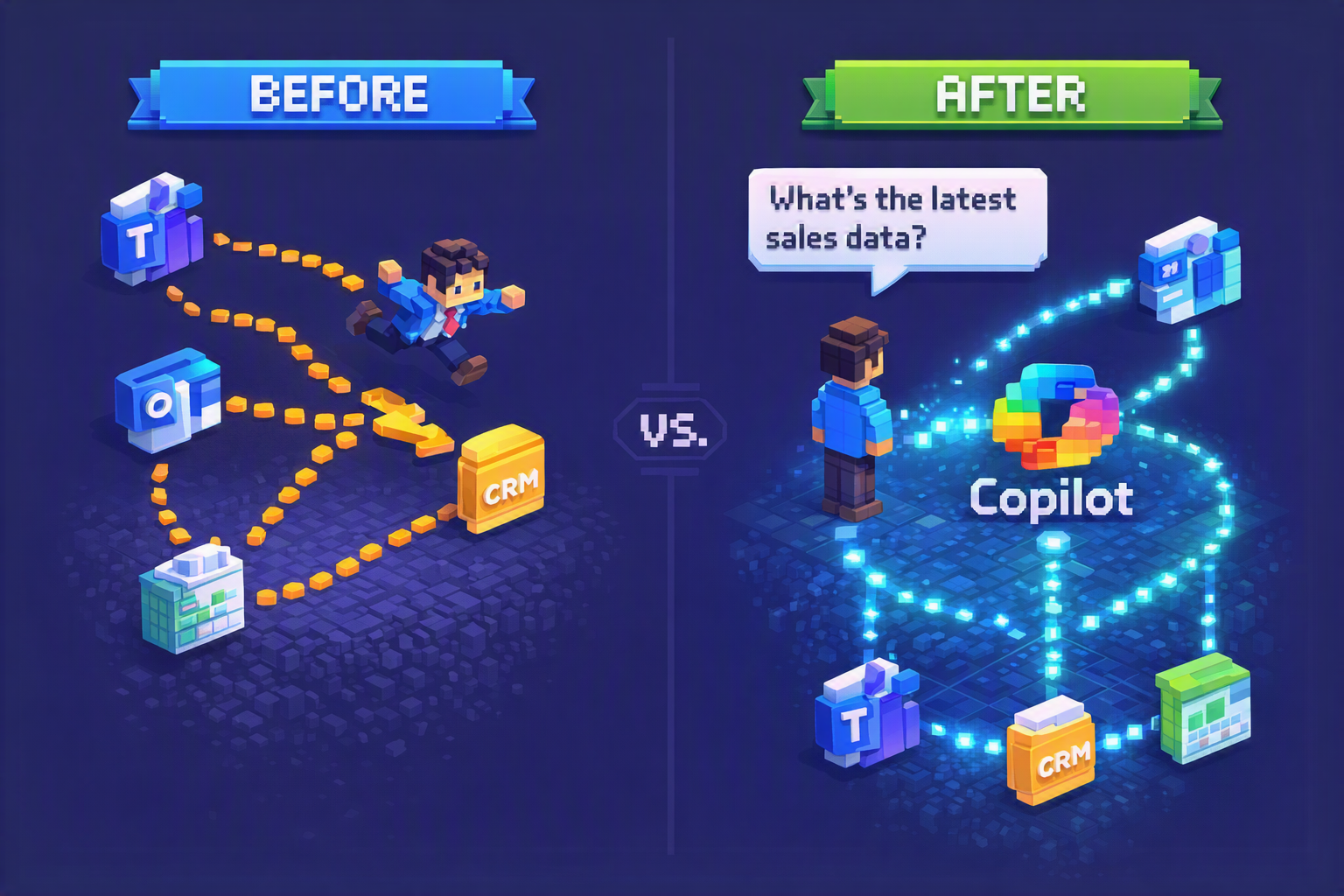
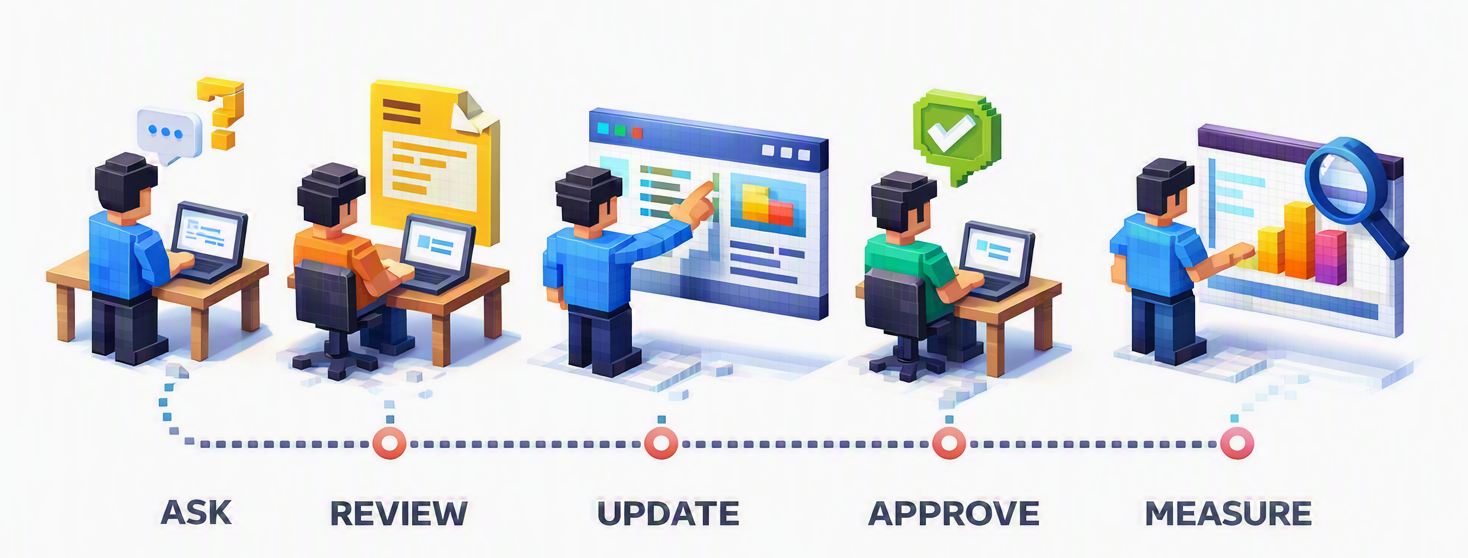
Instead of opening CRM, service, or custom apps, users state intent in Copilot:
- “Summarize my priority accounts”
- “What cases are at risk today?”
- “Draft a response and update the record”
Microsoft is actively rolling out capabilities that allow conversational interaction with Dynamics 365 and Power Apps through Microsoft 365 Copilot, including viewing, updating, and creating records without leaving the Copilot experience.
Why Executives Should Care—Beyond the Hype
1. Productivity shifts from navigation to intent
Every minute employees spend searching, switching tabs, and re-keying data is lost value. A conversational interface collapses those steps—if the underlying data and permissions are ready.
2. Adoption changes shape
Traditional adoption focuses on training users where to click. Conversational adoption focuses on:
- asking better questions,
- verifying responses,
- knowing when to act vs. escalate.
That’s a very different enablement model.
3. Measurement must mature
If Copilot becomes the front door, feature usage is a weak signal. Executives must measure:
- cycle-time reduction,
- backlog reduction,
- faster decisions,
- lower cost-to-serve.
4. Risk increases if governance lags
A conversational interface that can take action raises new questions:
- Who can change what?
- Through which pathways?
- With what approval and audit trail?
Ignoring governance early is how trust gets broken.
The Real Opportunity: Eliminating “Swivel-Chair Work”
Swivel-chair work—jumping between Outlook, Teams, CRM, spreadsheets, and line-of-business apps—is one of the largest hidden productivity drains in enterprises.
Copilot’s promise is not smarter answers. It’s less friction between intent and action.
That’s why Microsoft is investing so heavily in positioning Copilot as the interaction layer across business applications.
Five Leadership Decisions That Determine Success
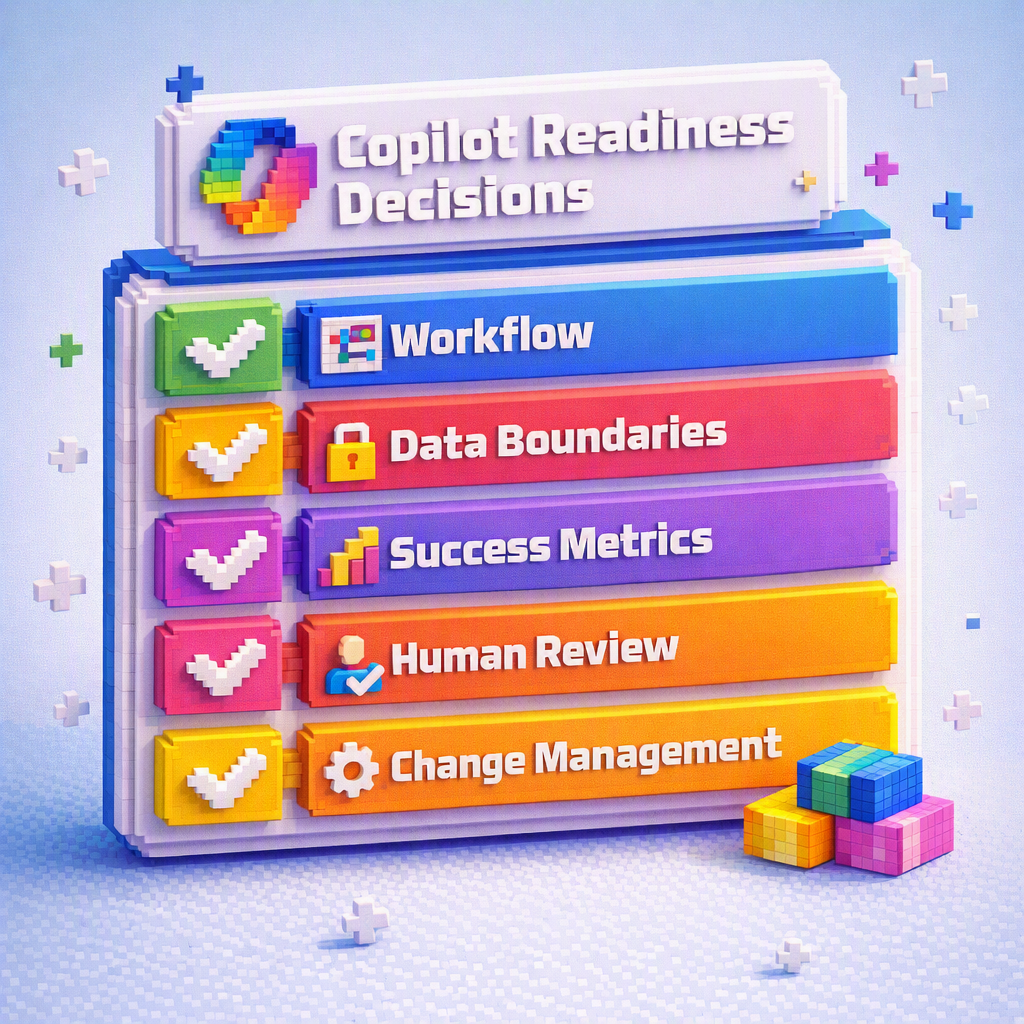
1. Choose the first workflow deliberately. Start where volume and value intersect:
- sales account prep,
- service case triage,
- approvals and exceptions,
- operational status updates.
Avoid “cool demos.” Pick something measurable.
2. Define data boundaries early. Just because Copilot can access data doesn’t mean it should. Leaders must define what’s in scope, what’s restricted, and why.
3. Decide what “good” looks like*. Before rollout, agree on 1–2 outcome metrics:*
- time saved,
- faster resolution,
- fewer escalations,
- improved forecast accuracy.
4. Keep humans in the loop where it matters. For high-impact actions, require review or approval. Trust is built through transparency, not blind automation.
5. Treat this as change management, not feature enablement. The interface shift changes habits. Organizations that win invest in behavior change, not just licenses.
What Smart Leaders Do Next
A practical starting plan:
- Select one Copilot-ready workflow
- Define permissions and guardrails
- Establish before/after metrics
- Pilot with high-influence champions
- Publish clear trust guidelines for users
This is how Copilot becomes an asset—not a liability.
The Bottom Line
The interface shift is real. The question is not if Copilot becomes the front door—but whether your organization is ready when it does.
Organizations that treat this as a leadership moment—aligning workflows, governance, and outcomes—will move faster and safer than those who simply “turn it on.”
Ready to find your first Copilot-ready workflow?
Hummingbird helps organisations identify the right starting point, define the guardrails, and connect Copilot adoption to measurable business outcomes. If you are ready to move from AI experimentation to real operational impact, let’s talk.